Windows clipboard is the built-in storage for the data transfer between different applications. You don't normally see the clipboard: it works in background, by keeping the items that you copy or cut, and letting you insert them into other documents with the paste command.
The Cut, Copy, and Paste capabilities of Windows works well for transferring single items of data but is not useful if you want to move a lot of data or keep data longer than until your next cut or copy. Because Windows overwrites the clipboard whether you were ready or not.
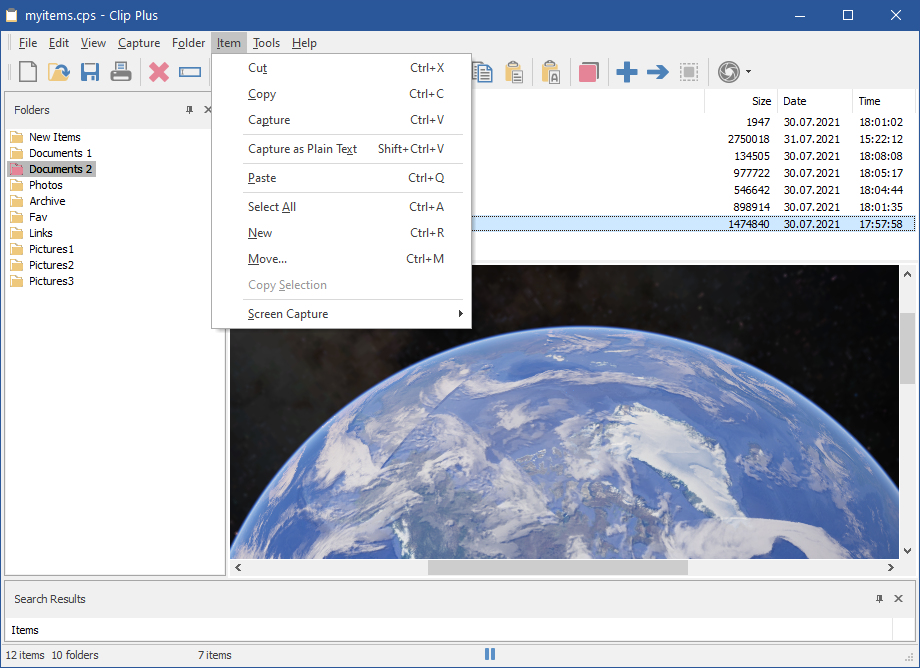
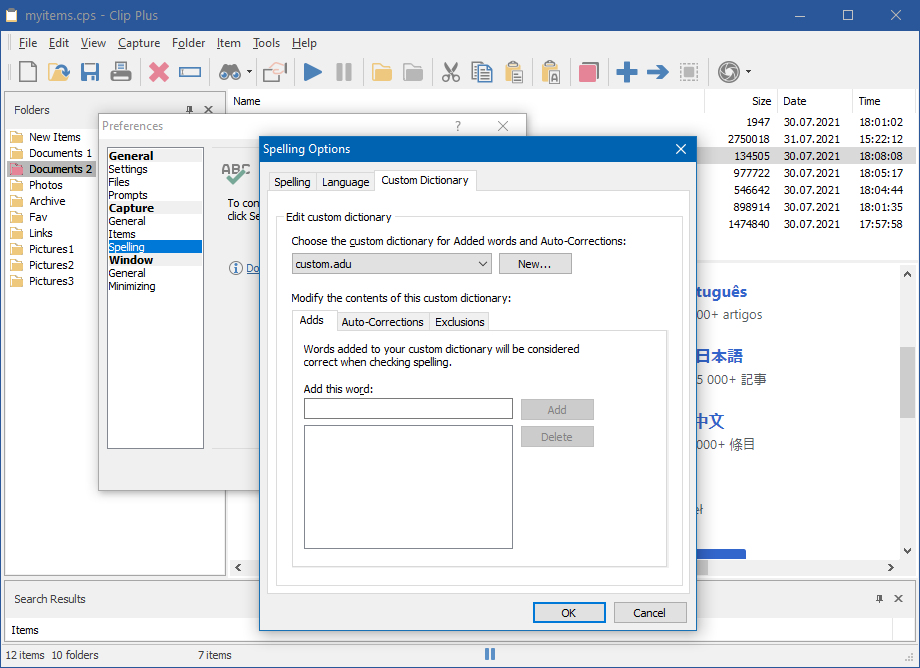
Clip Plus works alongside the regular Windows clipboard and automatically grabs and saves text, images, and objects as they are copied to the clipboard - making them available for saving, reuse, and printing. Item collections can be exported directly into Maple.
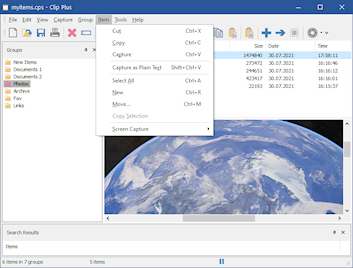
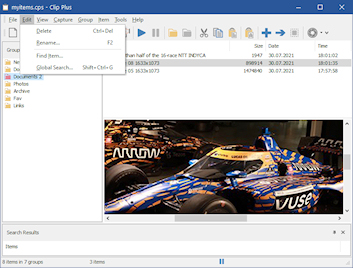
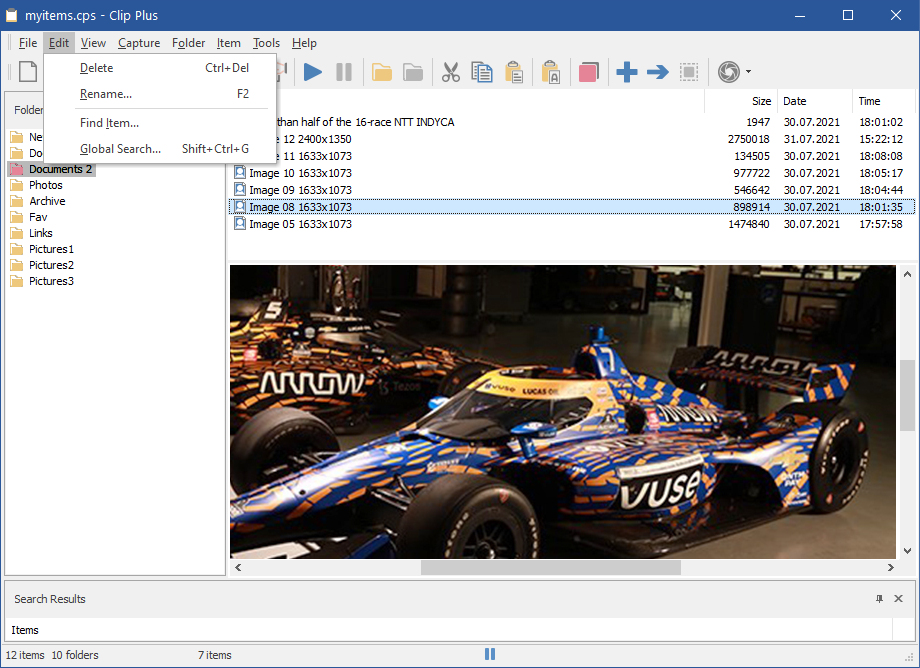
Application is accessible and easy to use. A tray icon gives quick access to the program and an indicator of whether you are in capture or pause modes; you can open the main display where your clipped items are stored. You can create and save groups of items, and save individual text and graphics items; both text and graphics can be printed.
Options include global search with many parameters, automatic saves, images scale and zoom, system-wide hot keys, quick paste and optional sound effects.
With the award-winning Clip Plus as your Windows companion, you will take the underpowered clipboard and turn it into an unexpectedly powerful timesaver.